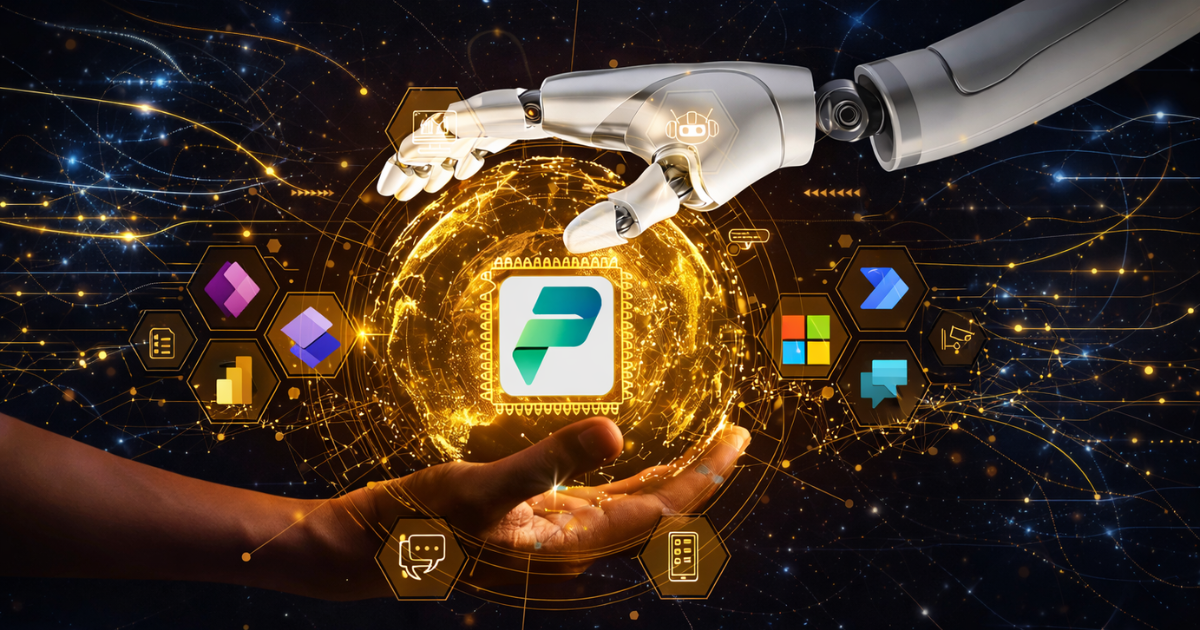
Use AI technologies in the Microsoft Power Platform to transform business operations by simplifying workflows and improving decision-making. With tools like Power BI, Power Apps, Power Automate, and Power Virtual Agents, the Microsoft Power Platform leverages AI to help organisations innovate more effectively. Both technical and non-technical users can benefit from these capabilities through machine learning features in a low-code/no-code environment.
Tools such as AI Builder and Azure AI allow organizations to automate routine tasks, create intelligent applications, and generate meaningful insights through AI-powered reporting. As a result, businesses can build smarter, adaptive workflows that streamline processes and deliver measurable value.
Using AI is important not only to stay competitive but also to achieve real, practical results. When businesses use AI technologies in the Microsoft Power Platform, they can modernise their systems, improve customer experiences, and make better use of their data all while staying scalable and easy to adopt. This helps companies get a clear return on investment (ROI) in today’s rapidly changing market.
What Are the Key Components of AI Integration in Power Platform?
AI Builder
AI Builder is one of the main tools that brings AI into the Microsoft Power Platform. It offers ready‑made and customisable AI models that can handle tasks like detecting objects, sorting text, or understanding customer emotions. Its easy-to-use interface lets people build and use AI models without needing deep data science knowledge. This makes AI accessible for everyday business users and helps them improve their processes quickly.
Azure AI Services
Azure AI Services including Azure Cognitive Services work smoothly with the Power Platform to provide advanced features like language understanding, image recognition, and predictive analytics. With these tools, companies can make their apps and workflows smarter, helping them make better decisions and improve overall efficiency.
Copilot in Power Platform
Copilot makes AI integration even stronger by adding generative AI directly into app building and workflow automation. It helps users by giving smart suggestions and offering ready-made components, which reduces development time. This boosts productivity and allows organisations to get results faster with less effort.
Power BI and AI Insights
Power BI includes powerful AI features that help users discover deeper insights in their data. With tools like automated machine learning, natural language queries, and anomaly detection, Power BI makes it easier to spot trends, predict future results, and make smart, data‑based decisions. These AI tools turn raw information into useful insights, helping leaders respond quickly to challenges and opportunities.

What are the advantages of AI in Power Platform?
Using AI in the Microsoft Power Platform provides several important benefits that help businesses work faster, make better decisions, and improve customer experiences. Here are following advantages:
- AI automates repetitive tasks, helping teams save time and work more efficiently.
- Power Automate uses AI to reduce manual work and lower the chances of human errors.
- AI in Power BI helps organizations make better decisions by providing predictive insights and spotting unusual trends.
- Non-technical users can easily use AI features through AI Builder and low-code/no-code tools, without needing programming skills.
- AI improves customer experiences by powering intelligent chatbots in Power Virtual Agents that understand natural language and give personalized responses.
- AI-supported solutions in Power Platform can grow and adapt as business needs change, without requiring major redevelopment.
Real-Life Examples of Power Platform with AI
Power Platform’s AI features are used in many industries to solve real business problems. In customer service, companies use Power Virtual Agents to build smart chatbots that answer common questions automatically, allowing support teams to focus on more complicated issues.
Manufacturing companies use AI Builder to create models that predict when machines might fail. This helps them plan maintenance before problems occur, reducing downtime and preventing expensive interruptions.
In sales, AI-powered dashboards in Power BI help teams predict future revenue and identify important leads. This makes it easier for sales teams to plan and make smarter decisions. Organisations also use AI Builder’s form processing to extract data from documents like invoices and contracts. This automation speeds up work, reduces manual effort, and improves accuracy.
How to Get Started with AI in Power Platform
Getting started with AI in the Power Platform is simple if you follow a few clear steps. First, decide what goals you want to achieve. Think about the problems you want to solve like automating boring tasks, improving customer service, or getting better insights from your data. Clear goals will help shape your AI plan.
Next, start exploring AI Builder. It offers ready‑made AI models that you can test and customize without needing coding skills. You can use these models to classify data, read documents, or make simple predictions.
If you need more advanced AI features, you can connect Azure AI services with the Power Platform. This will give you access to tools like natural language processing, image recognition, and predictive analytics.
Make sure your team is trained as well. Even people without a technical background should know how to use AI tools so your organization can benefit fully.
Finally, keep improving your work. Test your AI models, learn from the results, and adjust your workflows over time. Continuous improvements will help you stay aligned with your business goals and drive ongoing innovation.
Final Words
Using AI technologies with the Microsoft Power Platform gives businesses a powerful opportunity to boost efficiency, spark innovation, and become more adaptable. By combining low-code tools with strong AI capabilities, organizations can overcome the usual challenges of AI adoption and enable their teams to make smarter and faster decisions.
Whether your goal is to streamline daily operations, improve customer interactions, or discover deeper insights in your data, the Power Platform provides all the tools you need to bring your AI ideas to life. With the right guidance, you can optimize workflows, strengthen decision-making, and set your business up for long-term success. Stallions Solutions helps you achieve this by supporting your journey of integrating AI with the Microsoft Power Platform.