
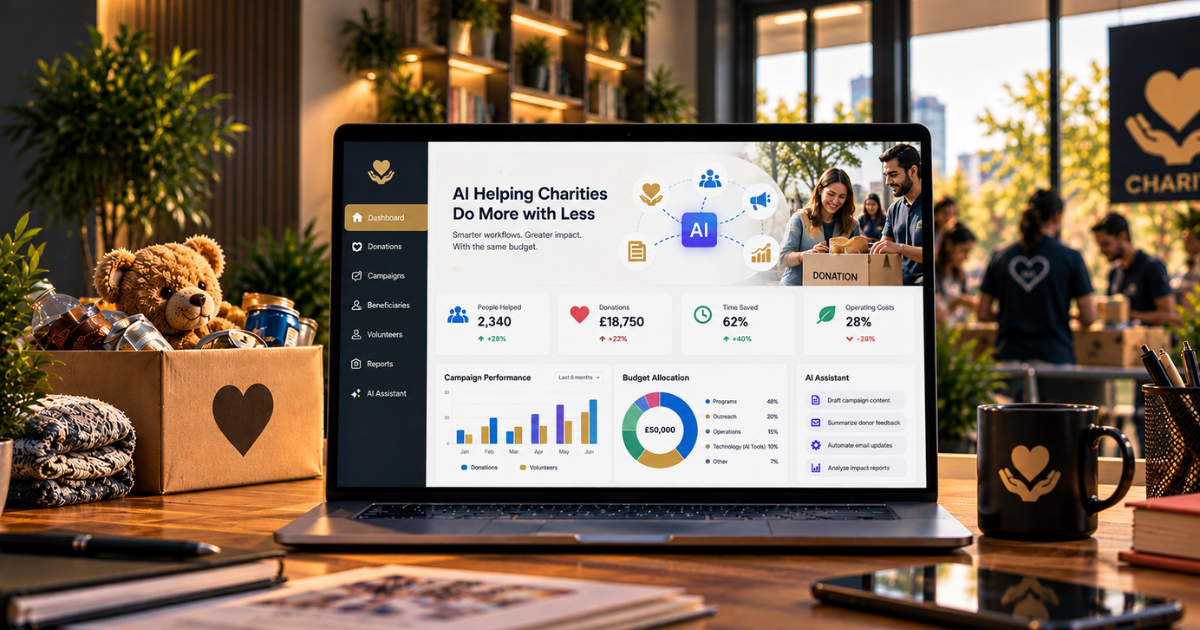
Every charity leader knows a bit of maths that never balances. Demand goes up. Funding stays flat or drops. The team’s already run ragged, with everyone quietly covering two jobs.
Drop “invest in AI” into that, and it lands like advice for someone with far deeper pockets. But here’s the twist. For most UK charities, the very tool that fixes that maths is already inside your Microsoft 365 subscription. And a decent slice of it? Free.
So this is about winning back time, making every pound go further, and freeing your people for the mission. Here’s how it actually works.
The Free Tool Most Charities Don’t Know They Have
Let’s start with what catches most charity leaders off guard. Copilot Chat is free for any organisation with an eligible Microsoft 365 or Office 365 licence.
That’s a big deal in this sector, because thousands of UK charities run on free or heavily discounted Microsoft 365 plans. A charity with thirty staff on Microsoft 365 Business Basic gets thirty users of enterprise-protected AI assistance thrown in, the same Copilot Chat that commercial customers pay for, with the same data protection, at no extra cost.
Most nonprofits on Microsoft 365 already have this assistant sitting right there, but most have no idea. Knowing it exists is the first step, and it’s free.
One distinction is worth nailing down, because it trips charities up constantly. Copilot Chat, the free one, is a capable general assistant that runs in a browser and keeps your data safe.
Where AI Gives Charities the Most Back
And no, this isn’t fluffy. Microsoft’s own research found that 70% of Copilot users feel more productive. For nonprofits in particular,
Microsoft 365 Copilot has been shown to increase fundraising output by as much as 20% over three years. Read that again; that’s not a productivity footnote. That’s more money reaching the cause.
A few areas give you the biggest bang for your buck.
Fundraising and grant writing.
Drafting funding bids, tailoring appeals, and writing to donors – it all devours time. Copilot drafts, sharpens, and personalises that content in a fraction of the time, so small teams can chase more opportunities.
A fundraiser who used to lose a full day to one grant application can knock out a solid first draft in an hour, then spend the rest of the day building relationships with funders.
Donor and supporter communications.
Copilot condenses endless email threads, drafts replies that fit the context, and keeps supporters warm without a full comms team behind every note.
Impact reporting.
And here’s a genuine gap. The 2025 Charity Digital Skills report found that only 17% of charities use AI for impact and evaluation. Yet Copilot can chew through data and turn flat numbers into a story, spinning your figures into the kind of impact narrative funders genuinely want to read.
Volunteer coordination and admin.
Meeting summaries, follow-up actions, training materials, rotas – all the everyday admin that quietly eats into staff and volunteer time – can be drafted and sorted in minutes.
From Assistant to Agents
Beyond the chat window, Microsoft has released a Copilot Agent Playbook designed specifically for nonprofits, featuring ready-made agent patterns for grant writing, donor management, volunteer coordination, and impact reporting.
The difference is worth grasping. While Copilot Chat helps when you ask, agents work more independently, taking on repetitive tasks such as data entry, form-filling and report generation without hand-holding.
Instead of a staff member slogging through grant applications by hand, an agent can auto-fill forms, track deadlines, and draft responses. For a charity where every hour of staff time is gold, that’s the line between keeping up and falling behind.
It’s the same agentic direction reshaping every sector, just pointed at the nonprofit world.
Doing It Safely and Affordably
None of this means barreling in without care. Even more so on a tight budget, a considered approach protects both your data and your money.
Start with the free Copilot Chat before you pay for anything, and prove the value on real tasks.
When you’re ready for the deeper, data-connected muscle of the full Microsoft 365 Copilot, eligible nonprofits qualify for Microsoft’s charity discounts, so the step-up costs less than commercial rates.
Governance still counts, mind, because charities hold sensitive data, including donor records, beneficiary details and safeguarding notes.
Copilot only ever shows a user what they can already access, so tidy permissions, clear usage policies and a human eye over anything AI produces aren’t optional.
That disciplined, budget-aware approach is exactly what our AI Enablement Programme is built for, and it lines up with the principles in our guide to responsible AI in practice.
Start Small, Grow With Confidence
The charities that see real value don’t pursue a grand transformation. They pick one painful, repetitive task – drafting thank-you letters, writing up trustee meetings, pulling together a funding bid – and let AI take the first pass while a human sharpens and signs off.
Prove the time saved. Build the team’s confidence. Then widen out. On a limited budget, momentum beats ambition every time.
Conclusion
The gulf between what charities are asked to do and what they can afford has never been wider. AI won’t close it overnight.
But it does something that genuinely matters. It hands time back to stretched teams and makes every pound go further. For most charities, the starting point costs nothing, because the tools are already included in the subscription.
The ones who gain the most won’t be the charities with the fattest tech budgets. They’ll be the ones that start small, use what they’ve already got, govern it sensibly, and keep their people on the mission rather than on admin.
If you’d like help putting AI to work in your charity without overspending, that’s exactly what we do. As an ISO 27001–certified Microsoft partner, Stallions Solutions helps nonprofits adopt AI affordably and safely.
Book a free assessment, and we’ll help you find where AI delivers the most for the least- honest advice, no hard sell.
Frequently Asked Questions
Is Microsoft Copilot free for charities?
Copilot Chat is included at no cost with eligible Microsoft 365 or Office 365 licences, which many charities already have. The more powerful, data-connected Microsoft 365 Copilot is a paid add-on, available to eligible nonprofits at a discount.
How can AI help a charity with a limited budget?
By automating time-consuming admin, drafting fundraising and donor communications, speeding up grant writing, and turning data into impact reports, AI lets small teams do more without extra staff. Much of it starts with tools charities already own.
Does AI really improve fundraising?
Microsoft research indicates that Microsoft 365 Copilot can increase nonprofit fundraising output by up to 20% over three years, largely by freeing staff time and accelerating applications and donor communications.
Is it safe to use Copilot with sensitive charity data?
Yes, with the right foundations. Copilot surfaces only data a user can already access, so proper permissions, usage policies and human review of outputs keep donor and beneficiary information protected.
Where should a charity start with AI?
With the free Copilot Chat and one high-value, repetitive task, prove the time saved, build confidence, then expand, upgrading to paid tools only when the value is clear.
