
Someone on your finance team builds a brilliant little agent. It reconciles a report in seconds, saving them an afternoon each week.
And then… nobody else ever uses it. It lives on their laptop, known to one person, helping one person.
That’s the quiet waste happening inside most organisations right now. Many clever agents are built, yet very few are shared, governed or scaled. The Agent Store is Microsoft’s fix for exactly that, a private, in-house catalogue where approved agents live in the flow of work for everyone who needs them.
Here’s how building and publishing agents to your own Agent Store works, and why it changes the game for scaling AI across a business.
What Is the Agent Store?
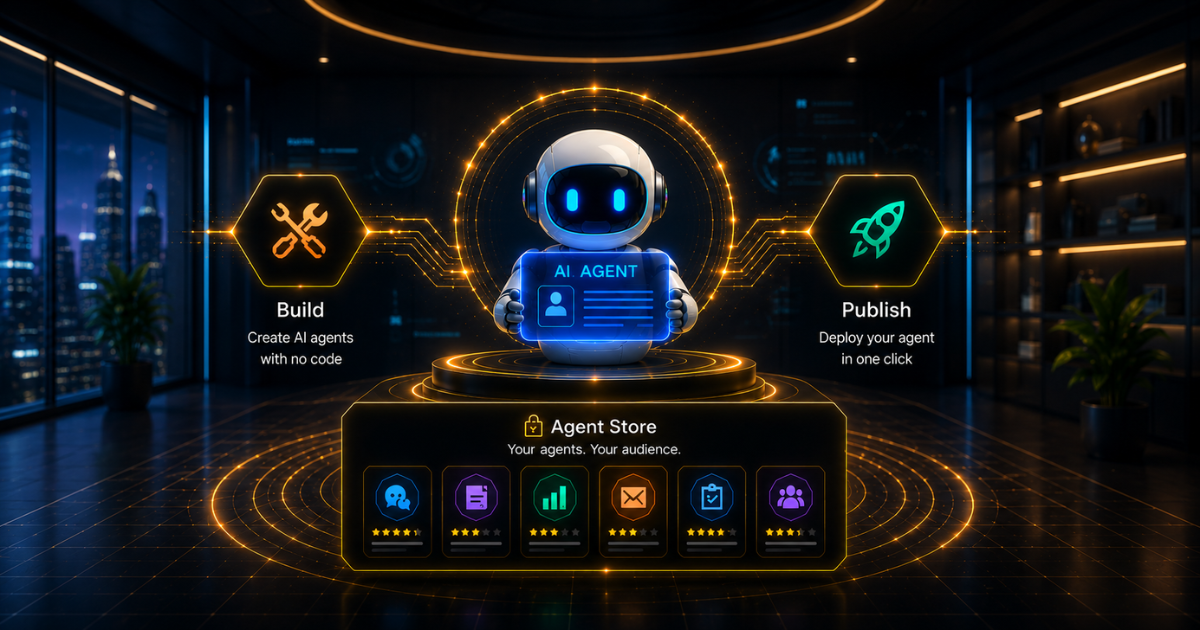
The Agent Store is a curated marketplace within Microsoft 365 Copilot where users browse, install and use agents. It features three kinds: agents from Microsoft, agents from trusted partners, and, most importantly for you, agents built by your organisation.
That last group lives in a section called “Built by your org”. Think of it as your company’s private app store, except it’s for AI agents rather than apps, and it sits right where your people already work, inside Copilot Chat and Teams.
The point is discoverability with control. Instead of good agents hiding on individual laptops, approved ones become easy to find, clearly labelled, and safe to use. Employees can read a description, install with a click, and even pin their favourites.
From Concept to Publication Agent
Getting an agent into that store follows a clear path, and the good news is you don’t have to be a developer to walk it.
The typical journey looks like this:
- Build the agent in Copilot Studio or Agent Builder, using natural language, your knowledge sources, and the actions it needs
- Test it in the built-in test panel until it behaves the way you want
- Submit it to your organisation’s catalogue for review
- Approval happens when an admin reviews it in the Microsoft 365 admin centre and publishes it, or sends it back with feedback
- Discover is the payoff: the agent appears in the “Built by your Org” section for everyone approved to use it
If an admin rejects a submission, the maker is notified, makes changes, and resubmits. Nothing goes live without a human signing it off, which is precisely the point.
Three Ways to Build the Agents You Publish
Not every agent is built the same way, and the Agent Store is deliberately flexible about how yours come to life.
The most common route is Copilot Studio, Microsoft’s low-code platform, where makers describe an agent in plain language, wire in knowledge and connectors, and publish it – no heavy coding required. It’s the natural home for most business agents.
For teams that need more, agents built with Azure AI Foundry, custom code, or even third-party AI platforms can be brought in as well, packaged with the Microsoft 365 Agents Toolkit, and submitted to the same catalogue. Within SharePoint, site members can spin up SharePoint agents grounded in their own site content.
Low-code or pro-code, the destination is the same: one governed store, one approval process, one place your people look.
Why Governance Is the Whole Point
Here’s what separates a real enterprise capability from a free-for-all. Every agent that reaches your Agent Store has been reviewed and approved first.
This mirrors how sensible organisations already vet third-party apps. IT can review, approve, and manage agents via the Teams or Microsoft 365 admin centres before any employee can use them. No shadow agents. No ungoverned tools quietly touching company data.
Because published agents run within the Microsoft 365 Copilot framework, they inherit its security, compliance, and data access rules, including Microsoft Graph integration. In practice, this means an agent surfaces only information the user is authorised to see. The guardrails come built in.
If agent governance across your wider platform is on your mind, our guide to governing the Power Platform at scale covers the environment and DLP side in detail-and pairs naturally with a well-run Agent Store.
What This Means for Your Business
Strip away the mechanics, and the value is refreshingly clear.
Good agents stop dying on individual laptops and start helping whole teams. IT keeps control without becoming a bottleneck, because the approval flow is quick and clear. Employees get AI tools that are genuinely relevant to how your business works, not generic assistants, discoverable right where they already spend their day.
There’s a cost angle worth noting, too. For anyone licensed for Microsoft 365 Copilot, usage of agents published to Copilot is included in that licence. Agents built in Copilot Studio can also run on Copilot Credits on a consumption basis where needed. Either way, you scale AI on terms you can see and control.
That combination- easy building, tight governance, real discoverability- is what turns scattered experiments into an actual AI strategy.
Getting Started the Smart Way
As with any AI rollout, a measured start beats a big bang.
Pick one genuinely useful agent that solves a real, recurring problem for a specific team. Build it in Copilot Studio, test it thoroughly, and run it through your approval flow as a pilot. Once your people see an approved, in-house agent working in Copilot, the appetite for more tends to look after itself.
That’s the work we do day to day. Our Power Platform development and AI and Copilot teams help organisations build agents ready for publication, set up the governance and approval process for the Agent Store, and roll it all out safely at scale.
As an ISO 27001–certified Microsoft partner, Stallions Solutions ensures governance is in place before agents go live.
Final Thoughts
The Agent Store solves the problem not of building agents, but of sharing them safely at scale. With a private “Built by your org” catalogue, the right approval flow, and Copilot’s built-in security, your best AI ideas stop being one-person tools and become company-wide assets.
If you’d like help building agents suitable for publication and setting up governance for them, that’s exactly what we do.
Book a free assessment, and we’ll help you turn scattered AI experiments into a governed, scalable Agent Store- honest advice, no hard sell.
Frequently Asked Questions
What is the Agent Store in Microsoft 365 Copilot?
It’s a curated marketplace within Microsoft 365 Copilot where users browse, install and use agents built by Microsoft, trusted partners, and their own organisation. In-house agents appear in the “Built by your org” section.
How do I publish an agent to my organisation’s Agent Store?
Build and test the agent in Copilot Studio or Agent Builder, submit it to your org catalogue, and have an admin review and approve it in the Microsoft 365 admin centre before it appears in the store.
Do I need to be a developer to build an agent?
No. Copilot Studio and Agent Builder let you create agents using natural language, with no heavy coding required. Pro-code options via Azure AI Foundry and the Agents Toolkit are available for more advanced needs.
Are published agents secure?
Yes. Every agent is reviewed and approved before publication, and agents run within the Microsoft 365 Copilot framework, inheriting its security, compliance and data access controls, including Microsoft Graph permissions.
Does publishing agents cost extra?
For users licensed for Microsoft 365 Copilot, the use of agents published to Copilot is included. Copilot Studio agents can also use consumption-based Copilot Credits, depending on how they’re built and run.
