
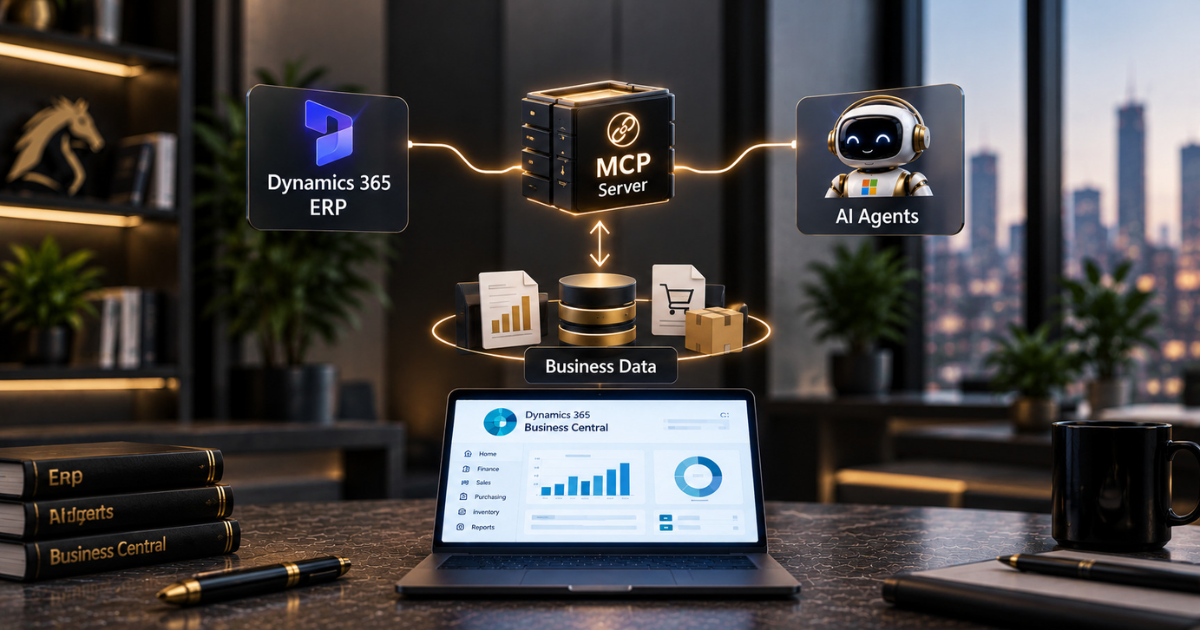
AI agents are brilliant talkers and terrible guessers. The moment you ask one about your own business, it has nothing to go on unless it is connected to the system that holds your numbers.
For years, that meant a custom integration for every agent and every use case. The Model Context Protocol, usually shortened to MCP, is designed to replace that pile of one-off work with a single standard connection. Microsoft now ships its own Dynamics 365 ERP MCP server for Finance and Supply Chain Management.
This guide explains what it exposes, how it handles security, how to connect it, and what to settle before you let an agent anywhere near your ledger.
Why ERP Agents Need a Standard Way In
An agent with no access to your data is just a chatbot with good manners. In an ERP, the data is the whole point: orders, invoices, vendors, inventory, journals.
The old fix was a connector or a custom API for each scenario. One agent doing one job is manageable that way, but the effort piles up fast once you have several.
MCP gives agents a shared way to discover and call tools, so any agent platform that speaks the protocol can reach the same server.
We covered the general idea in our guide to connecting Copilot Studio agents to external data with custom MCP servers. This post focuses on the ready-made server Microsoft provides for its own ERP.
What the Dynamics 365 ERP MCP Server Exposes
Microsoft’s documentation describes the server as a dynamic framework that lets agents run data operations and reach the business logic inside finance and operations apps. The tools fall into three categories:
- Data tools for reading and working with records
- Form tools for working with the same forms a person would use in the application
- Action tools for running business actions
Microsoft claims this opens up millions of ERP functions to agents. It sounds like marketing, but the design backs it up.
The agent isn’t limited to a fixed menu of a few dozen operations. It can discover what’s available and use it if the signed-in user is authorised to.
Static and Dynamic Servers
There are two versions which can trip people up.
The earlier static server was built on the Dataverse connector framework and came with 13 fixed tools for specific functions in Finance and Supply Chain Management.
Microsoft’s documentation recommends using the newer dynamic server instead and says the static one is being retired because it can’t scale or extend well enough.
If you’ve already tried the static server, plan to move over. If you’re just starting, go straight to the dynamic one.
Be aware that Microsoft’s pages don’t always agree on its status, and some still mark the dynamic server as preview, so check where it stands in your own environment before you build a production design around it.
How Security Works
This is the section we’d ask any finance director or security lead to read twice.
Microsoft’s security guidance authorisation is managed by the finance and operations security model, not by the MCP server itself. When a user connects, the server calls the application’s APIs using that user’s credentials.
The agent therefore receives only the roles, duties and privileges the person already holds. Since the server uses the same APIs as other supported channels, your existing business logic still applies.
Administrators also choose which agent platforms can reach the server. You can allow Copilot Studio and leave the rest out. We cover the identity side in our guide to securing AI agents with Microsoft Entra ID.
Connecting It to Copilot Studio
Setup is short. Start by turning on the Dynamics 365 ERP MCP feature in Feature Management, and check Microsoft’s minimum version requirements for your environment. Then, in Copilot Studio:
- Open an existing agent or create a new one
- On the Tools tab, select Add a tool
- Filter by Model Context Protocol and search for Dynamics 365 ERP MCP
- Create a connection to the server
- Select Add to agent
After that, the agent can use the server’s tools, and the data and business logic it sees will match its security role and environment context.
Microsoft’s guide to building an agent with the ERP MCP server takes you through it step by step. For the wider build process, our piece on building AI agents in the Power Platform covers the agent side.
Exposing Your Own Business Logic
Standard tools won’t cover everything. Most ERP estates contain business-specific logic, such as an approval rule or a pricing calculation, that nobody wants to rewrite.
In such cases, a developer can write a class in the finance and operations code to expose the logic via the MCP server. The agent then calls it like any other tool. Take care here, because anything you expose can be triggered by an agent.
Keep custom tools narrow and clearly described, and test them as carefully as you would any change to a live finance system.
What to Settle Before You Connect
ERP projects often slow down because of process rather than technology, and agent projects are no different. Before you connect anything to production, agree on a few key points.
Decide which agent platforms may connect and keep the rest blocked. Review the security roles your agents will inherit and tighten any that are broader than necessary. Try everything first in a non-production environment using realistic data.
Turn on logging so you can see what the agents did. Agree on who owns each agent and who reviews its work.
We’ve looked at what agents are already doing inside Finance and Supply Chain in our guides to agentic ERP in Dynamics 365 and automating Dynamics 365 F&O with Copilot Studio. The principles in our piece on responsible AI in practice apply here too.
Final Thoughts
The Dynamics 365 ERP MCP server is a sensible step. Agents get a standard, governed way to access the ERP without a custom integration for every scenario, and authorisation stays where it already lives, within your existing security model.
That’s a strong design. It also puts pressure on the basics, because tidy security roles and a clear owner for each agent stop being nice-to-have.
If you’d like help connecting agents to your Dynamics 365 data, our D365 integration team can plan and build it. Our AI Enablement Programme then takes teams from a first experiment to production without the usual false starts.
As an ISO 27001-certified Microsoft partner, we make sure governance is in place before an agent touches live finance data. Book a free assessment, and we’ll tell you honestly where to start, no hard sell.
Frequently Asked Questions
What is the Dynamics 365 ERP MCP server?
It’s a server that enables agent platforms supporting the Model Context Protocol to work with Dynamics 365 Finance and Supply Chain Management, providing data, form and action tools within the application’s security model.
What’s the difference between the static and dynamic servers?
The earlier static server had 13 fixed tools in the Dataverse connector framework and is being retired. The dynamic server allows agents to discover and use a much wider set of functions. Microsoft recommends using the dynamic server.
Can an agent see data the user can’t?
No. Operations run under the authenticated user’s identity, and finance and operations security enforce the same roles, duties and privileges that apply to that person.
Can we use it with Copilot Studio?
Yes. In Copilot Studio, you add it from the Tools tab by filtering for Model Context Protocol, searching for Dynamics 365 ERP MCP, and creating a connection.
Is it ready for production?
Microsoft’s pages have labelled the dynamic server as a preview in places. Check its current status and documented limitations for your environment before you design around it.
