
A customer emails requesting forty units, with a PO number in the subject line but key details missing.
A sales rep must find the customer in Business Central, check stock, confirm delivery, and then enter a quote. Across hundreds of monthly emails, this becomes a full-time job of copying messages into an ERP.
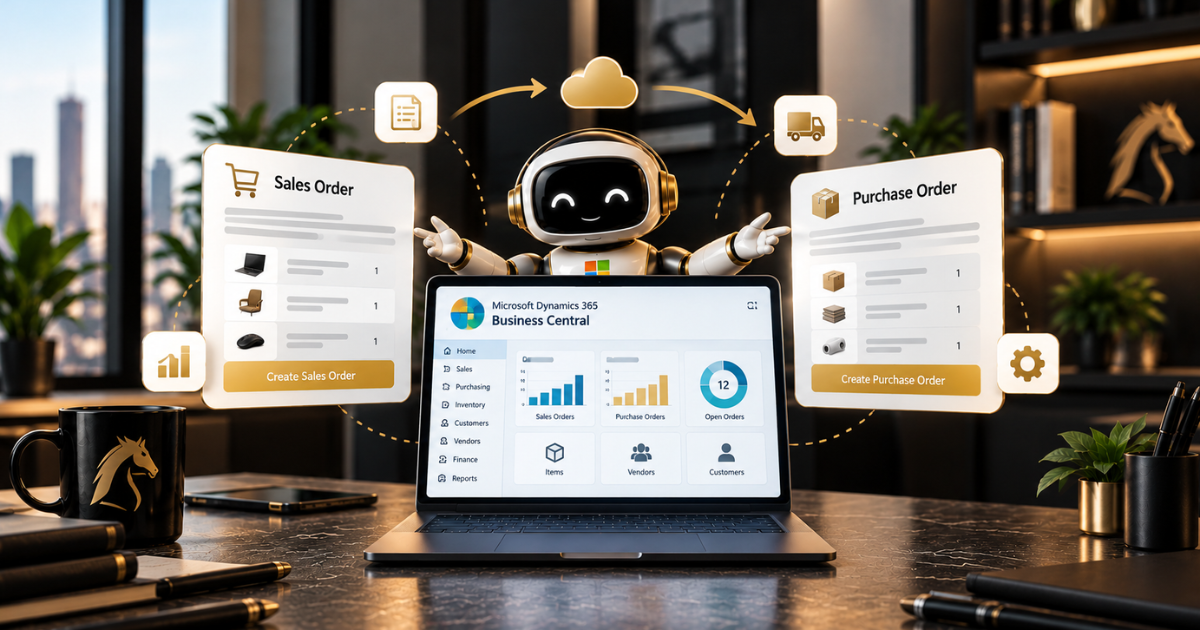
Microsoft directs agents to handle this work in Business Central. Its 2026 release advances agentic ERP, with agents automating sales and purchasing scenarios.
This guide explains what those agents do, what’s still evolving, and what to prepare before trusting them with orders.
What Agentic ERP Looks Like in Business Central
Out of the box, you get two agents: the Sales Order Agent and the Payables Agent. There’s also Agent Designer, a tool for building your own agents. Both built-in agents monitor a shared mailbox and handle reading and typing. Decisions remain with a person.
That’s by design. Every agent needs a human supervisor with the appropriate permissions, and important steps are held for review.
For the bigger picture of where this fits in Dynamics 365, have a look at our guide to agentic ERP in Dynamics 365. If you’re new to the platform itself, start with our Business Central guide.
The Sales Order Agent in Practice
The Sales Order Agent handles the email scenario from the outset. It reads the incoming request, locates the customer in Business Central, and iterates to fill any gaps.
It checks item availability and uses Business Central’s Capable-to-Promise feature to determine a realistic delivery date. It then drafts the quote and writes the reply.
One safeguard is worth noting. A quote only becomes an order once a user confirms it, so a real person still presses the button that commits the business.
The agent must find the matching item in your catalogue. If your item descriptions are a mess, it’ll struggle the same way a new hire would. Product data matters from day one, and Tigunia’s guide to the agents makes the same point.
The Payables Agent and the Purchase Side
The purchase side runs in the opposite direction. The Payables Agent monitors a mailbox for vendor invoices, reads the PDF attachments, and extracts the vendor, dates, totals, item references, and any purchase order number.
It matches vendors and accounts in Business Central, then prepares a draft purchase document for a human supervisor to review. You get a draft rather than a posted invoice, so nothing reaches your ledger without approval.
This is where things have changed quickly, and the coverage doesn’t align. Early write-ups said the agent couldn’t yet match invoices to purchase orders or route approvals. Newer guides describe it matching against purchase orders and receipts, including three-way matching.
Copilot can also map incoming e-documents to purchase order lines. Before you promise anyone a specific capability, check the release notes for your version. Encore’s overview is a decent place to start on what the agent does.
Building Your Own With Agent Designer
Some processes won’t fit either built-in agent, and that’s what Agent Designer is for. Consultants and power users can describe an agent in plain language rather than writing AL code.
Custom agents share the same runtime, security and permission model as the built-in ones, so they don’t live in a looser, separate world. A simple example is an agent that opens the sales orders list, filters for orders over a certain balance, and releases them.
A word of caution on availability. Several guides say Agent Designer reached general availability in May 2026, following a preview that started in February. At least one source still shows general availability as planned for October 2026, and some custom agent guides call it a preview.
The truth is that it depends on your update and rollout, so confirm in your own environment and test in a sandbox before going near production.
What Has to Be Right First
As with any agent project, most of the effort goes into the basics.
- Item data. Clean descriptions and sensible cross-references, since the agent matches what customers write against your catalogue
- Customer records. Tidy, deduplicated customer records so the agent picks the right account the first time
- A monitored shared mailbox. Both built-in agents rely on one, so decide who owns it
- A named supervisor. Someone with the right permissions who genuinely reviews the drafts
- A narrow start. One agent and one workflow in a sandbox before anything touches live orders
If you’re also linking Business Central to your CRM, a single customer view lets the agent see the whole customer instead of one system’s slice of them.
Budget and Governance
Finance teams often get caught out here. Core Copilot features are included in Business Central licensing, but the Sales Order and Payables agents are billed separately.
They run on consumption-based Copilot Credits, which you buy and use through an Azure subscription rather than through the per-user licence.MS Dynamics World’s budgeting piece explains the model well. We’ve left out figures because rates and terms keep changing.
Agent Designer adds a wrinkle. Building a custom agent is so easy that it’s just as easy to create new processes that burn credits nobody planned for. Someone must own that spend, and someone must own the agent’s permissions.
We cover the identity and audit side in our guide to securing AI agents with Microsoft Entra ID, and the broader principles in responsible AI in practice.
Final Thoughts
Business Central’s agents won’t replace the people who run your orders. What they take off your plate is retyping, chasing and the first draft.
People still approve, decide and handle the odd cases. The teams that get the most out of this will start small, fix their data first, and keep someone reviewing until the results speak for themselves.
If you’d like a hand with the rollout, our Business Central services and D365 implementation team can set up the agents, data and permissions properly. Our AI Enablement Programme then takes teams from a first experiment to production without the usual false starts.
As an ISO 27001-certified Microsoft partner, we ensure governance is in place before an agent touches a live order.
Book a free assessment, and we’ll tell you honestly where to begin, no hard sell.
Frequently Asked Questions
What does the Sales Order Agent do in Business Central?
It reads customer emails from a shared mailbox, identifies the customer, requests any missing details, checks item availability, drafts a quote, and sends a reply. A user must confirm the quote before it becomes an order.
What does the Payables Agent do?
It reads vendor invoices from a monitored mailbox, extracts key details, and prepares a draft purchase document for a human supervisor to review. It never posts the invoice.
Can the Payables Agent match purchase orders?
Early coverage said no, but more recent guides describe matching purchase orders and receipts. Check the release notes for your version before relying on this.
What is Agent Designer?
It’s a tool for building custom agents in natural language rather than in AL code. Custom agents use the same runtime and permission model as built-in agents. Availability varies, so test in a sandbox first.
Do the agents cost extra?
Core Copilot features are included with Business Central licensing, but the Sales Order and Payables agents use consumption-based Copilot Credits purchased via an Azure subscription. Confirm the current terms with your Microsoft partner.
