
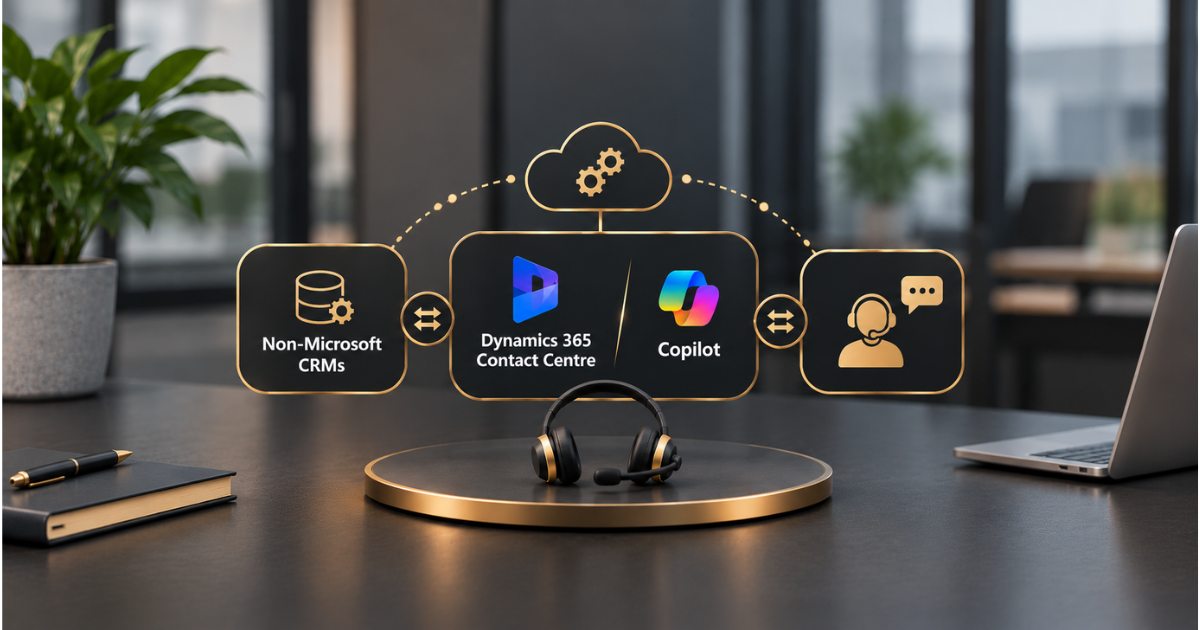
You don’t have to rip out Salesforce or ServiceNow to get a Copilot-powered contact centre. Microsoft built Dynamics 365 Contact Centre to sit alongside the CRM you already run, and its Copilot capabilities can follow your agents into the tools they already use.
That’s the promise. The detail is where projects succeed or stall, because “works with any CRM” encompasses several integration patterns, each with its own rules.
This guide sorts them out: what each product does, how the connections work with Salesforce, ServiceNow and other CRMs, and what to settle before you start.
The Short Version
Dynamics 365 Contact Centre is a standalone product. It supports voice, chat, SMS, video and social channels, plus routing and the agent workspace, and doesn’t require Dynamics 365 CRM underneath.
Copilot adds AI assistance for agents, such as summaries, suggested answers and drafted replies.
You connect both to a non-Microsoft CRM in one of two ways: sync customer data into Dataverse so Contact Centre has context, and either work in the Contact Centre app or embed the conversation experience within your CRM screen.
Everything else in this guide is about choosing the right version of that pattern.
Two Products, Two Distinct Functions
People often treat Contact Centre and Copilot as one thing. They overlap, but they solve different problems, and you can buy one without the other.
| Features | Dynamics 365 Contact Centre | Copilot for service agents |
| Main job | Run conversations: channels, routing, voice, the agent workspace | Help agents work faster: summaries, answers from knowledge, drafted replies |
| Where agents use it | Contact Centre workspace, or embedded in the CRM | Inside the CRM, Outlook and Teams |
| Needs Dynamics CRM? | No | No, with supported third-party systems |
| Connects to non-Microsoft CRMs by | Data connectors and an embedded widget | Prebuilt knowledge and CRM integrations |
| Licensed as | Contact Centre licence | Service in Microsoft 365 Copilot licence |
The naming has changed over time. Microsoft’s service Copilot has appeared as Copilot for Service and later as Service in Microsoft 365 Copilot, so check the current name and licence on Microsoft’s site before you buy.
Three Ways Contact Centre Meets Your CRM
Microsoft’s Contact Centre documentation describes data connectors that bring contact and account data from external systems into Dataverse. How that works depends on which CRM you run.
| Features | Salesforce | ServiceNow | Other or custom CRM |
| How data gets in | Built-in connector in the Contact Centre admin centre | Power Automate solution with incremental sync | Power Automate custom CRM connector solution |
| Data synced | Contacts and accounts into Dataverse | Contacts and accounts into Dataverse | Contacts and accounts, depending on your build |
| Agent experience | Contact Centre workspace or embedded in Salesforce | Contact Centre workspace or embedded in ServiceNow | Usually the Contact Centre workspace |
| Key prerequisite | Salesforce licence that allows change data capture | Power Platform admin rights and matching environments | Someone who can build and maintain flows |
| Main watch-out | Edit data in Salesforce only | Custom fields and scripts needed on the ServiceNow side | More build effort, more testing |
Microsoft documents the Salesforce route in its Salesforce connector guide and the ServiceNow route in its ServiceNow connector guide.
For other systems, including Zendesk, we didn’t find a prebuilt Contact Centre connector in Microsoft’s documentation, so expect to use the custom CRM route and confirm the current position with Microsoft.
How Data Synchronisation Works
This is the part most teams learn only after they’ve got it wrong. The sync is designed to bring data into Dataverse, not to push changes back.
Microsoft’s guidance is that once the Salesforce connector is running, you shouldn’t change the synced data in Dataverse, because those changes don’t flow back to Salesforce. If something needs correcting, correct it in the CRM and let the sync carry it across.
If your CRM data is already messy, the sync will carry the mess across faster. Our guides to a single customer view and to Business Central and Dynamics 365 CE integration cover the same discipline from other angles.
Where Copilot Fits In
Copilot reaches your agents in two ways. First, it can answer from your knowledge sources, and Microsoft documents prebuilt integrations with non-Microsoft services such as Salesforce, ServiceNow and Zendesk. Second, it can be embedded in the agent desktop, so people get help inside the CRM instead of switching screens.
Microsoft’s announcement also says the Outlook and Teams experience can connect to CRM data from Dynamics 365 Customer Service and Salesforce.
The quality of the answers depends on the quality of the knowledge behind them. Out-of-date articles produce out-of-date replies, as we noted in our guide to implementing agentic AI in Dynamics 365 Customer Service. For the sales side of the same idea, see our guide to Copilot for Sales.
Mistakes That Slow These Projects Down
Most delays come from the same handful of things.
- Treating it as a switch. The connector is quick to configure, but mapping fields, testing sync and training agents take time
- Editing synced data in Dataverse. Changes don’t flow back, so the two systems drift apart
- Skipping the licence check. Salesforce needs change data capture access, and Copilot embedded in a CRM needs its own licence
- Ignoring environments. For ServiceNow, Power Automate and Power Apps must sit in the same environment as Contact Centre
- No owner for the flows. Custom CRM and ServiceNow routes depend on flows that someone has to monitor and fix
- Loose permissions. An embedded agent can only be as careful as the access you’ve given it
On that last point, give every service account and agent its own identity and only the access it needs. We explain the principle in our guide to securing AI agents with Microsoft Entra ID, and the wider approach in responsible AI in practice.
Which Setup Best Suits You?
A few plain situations cover most cases.
| Your situation | Sensible starting point |
| Agents live in Salesforce all day and won’t leave it | Salesforce connector plus the embedded conversation experience |
| ServiceNow runs your service desk. | ServiceNow connector with embedded experience, once flows and fields are in place. |
| A bespoke or less common CRM | Custom CRM connector and the Contact Centre workspace |
| You mainly want agent assist, not new channels | Copilot with prebuilt knowledge integrations, without Contact Centre |
| You’re planning to move CRMs later. | Contact Centre workspace, so channels don’t depend on the old CRM’s screen |
If you’re torn between two rows, start with the smaller one. You can add the embedded experience or Copilot later, and a narrow pilot on one queue shows you the real sync and licensing issues before they affect everyone.
Licensing and Costs
Contact Centre, Copilot for Service, and any Power Platform capacity your flows use are licensed separately, so the total depends on which parts you use.
The ServiceNow route, for example, needs a Contact Centre licence that includes Power Automate and Power Apps subscriptions. We haven’t put figures here because prices and terms change and vary by region, so confirm the current position with your Microsoft partner.
How We Can Assist
If you’d like help choosing the right pattern and building it, our D365 integration team can plan the connectors, data mapping and testing, and our AI Enablement Programme helps you roll out Copilot to agents safely.
Our Power Platform work covers the flows these integrations rely on, and you’ll find more guides on our blog.
As an ISO 27001-certified Microsoft partner, we make sure governance is sorted before anything touches live customer data. Book a free assessment, and we’ll tell you honestly where to begin, no hard sell.
Questions We Hear Often
Does Dynamics 365 Contact Centre work with Salesforce?
Yes. It has a Salesforce connector that brings contact and account data into Dataverse, and you can embed the conversation experience in Salesforce so agents don’t have to leave it.
Do I need Dynamics 365 CRM to use Contact Centre?
No. Contact Centre is a standalone product and works with non-Microsoft CRMs, though you’ll sync customer data into Dataverse so it has context for each conversation.
Does Contact Centre work with ServiceNow?
Yes, through a Power Automate solution that syncs contacts and accounts from ServiceNow into Dataverse. Microsoft also documents an embedded experience for ServiceNow.
Does the sync write changes back to my CRM?
Microsoft’s guidance for the Salesforce connector is not to edit synced data in Dataverse, because those changes don’t sync back. Make updates in the CRM instead.
Can Copilot work with Zendesk, Salesforce and ServiceNow?
Microsoft documents prebuilt knowledge integrations for all three, so Copilot can answer from those sources. CRM-embedded experiences vary by system, so check which one your licence covers.