
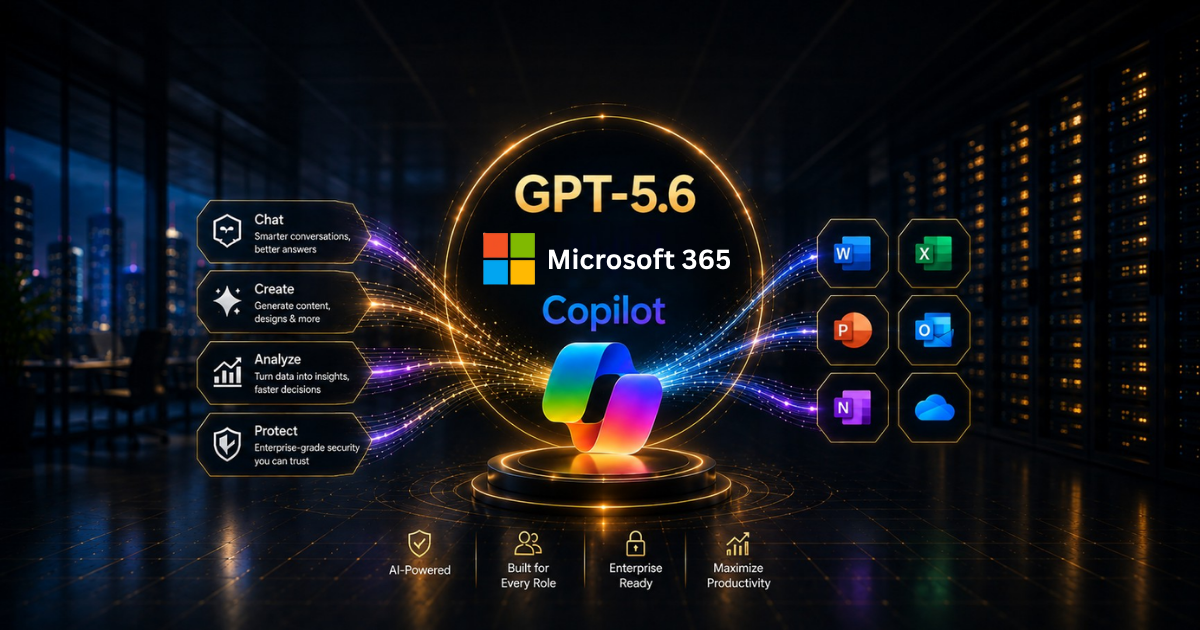
The mechanism powering your Copilot has recently undergone a discreet upgrade.
Your team probably hasn’t noticed. They’re still drafting in Word, building formulas in Excel, and throwing together decks in PowerPoint. But the AI that helps them do it is sharper than it was a few weeks ago, and nobody had to lift a finger. That’s rather the point of a good upgrade.
OpenAI’s GPT-5.6 is now the preferred model in Microsoft 365 Copilot. Sounds like an IT footnote. It isn’t.
Let’s simplify and identify what’s changed, understand its impact on your team’s daily work, and know what to verify before trusting it.
What Has Actually Changed?
On 9 July 2026, OpenAI announced that GPT-5.6, its newest flagship model, would become the preferred model across Microsoft 365 Copilot, spanning Word, Excel, PowerPoint, Copilot Chat and Copilot Cowork.
When Copilot chooses a model, it now automatically defaults to GPT-5.6 whenever this option is accessible.
The big win is reasoning. Microsoft and OpenAI tuned this one specifically for knowledge work, so it’s built for complex, multi-step tasks, not just quicker one-line replies. The framing is openly agentic. Think less “answer my question” and more “take this rough idea and turn it into a finished draft, a real analysis, a proper deck”, with a lot less back-and-forth.
One more detail worth a raised eyebrow: GPT-5.6 hit general availability across OpenAI’s own products the same day it appeared in Copilot. A frontier model, day zero, dropped straight into the tools your team already lives in. That’s fast.
What It Means Across Your Everyday Apps
Model talk is abstract until it meets real work. So here’s where you’ll actually feel it.
Word gets you to a usable first draft with fewer rounds of prompting, closer to something you’d genuinely send. Excel reasons over deeper analysis, not just simple lookups. PowerPoint builds richer, more complete draft decks from a single starting idea.
And in Copilot Chat and Cowork, the stronger reasoning shines on exactly the multi-step work those tools were made for.
Here’s the bit that matters most, though. All of it is grounded by Work IQ, which anchors Copilot to your files, meetings, chats and business data. A sharper model reasoning over your context, not generic internet knowledge, is where the real value lives.
The Multi-Model Story You Shouldn’t Miss
Now the part most businesses miss entirely. GPT-5.6 becoming the preferred model does not make Copilot a one-model tool. If anything, the opposite.
That very same month, Anthropic’s Claude Sonnet 5 also landed in Copilot, joining a growing shortlist of models people can choose from. The model picker stays multi-model. Users choose the right engine for the job rather than being married to a single vendor. Microsoft treats that flexibility as a feature, not a compromise: your work isn’t boxed in by one brand of AI.
For a business, that’s strategically reassuring. You’re not betting everything on a single model’s roadmap or pricing. As models improve, or as one proves better suited to a particular kind of work, Copilot can flex with them. Building your AI on a platform designed for choice is a far safer bet than building on one that isn’t.
It also quietly reflects a bigger shift. The story of enterprise AI in 2026 is less about a single all-conquering model and more about selecting the right model for the right job.
If your ambitions run to custom agents and grounded answers, the same principle applies, which is why approaches like retrieval-augmented generation matter just as much as the underlying model. The model is the engine; how you ground and direct it is the craft.
The Governance Angle Every Admin Should Check
A more powerful model is great news. It doesn’t let you off the hook for understanding how it’s set up, and this release arrived with one wrinkle worth flagging.
OpenAI-operated models in Copilot are tenant-controlled. And eligible commercial tenants were automatically enabled for all users from 24 July 2026, unless an admin explicitly said otherwise in Copilot settings.
For most businesses, no problem. For regulated bodies, councils, and anyone with firm rules on where data is processed, especially around the EU Data Boundary, that’s precisely the sort of quiet default that deserves a proper look rather than a shrug.
This is the moment governance stops being a slide and becomes a job. The good news is that the broader governance framework around Copilot hasn’t changed, so your existing controls still hold.
If those foundations aren’t in place yet, our guide on getting real value from Microsoft 365 Copilot is the sensible place to start. As an ISO 27001–certified Microsoft partner, Stallions Solutions treats these settings as the first thing to nail down, never the last.
What Your Team Should Actually Do
An upgrade is only worth as much as the change it drives in how people work. A few small moves make all the difference.
- Check your tenant settings to confirm your AI provider configuration matches your data and compliance requirements
- Tell your people the model improved, because most won’t notice unless you say so, and awareness drives adoption
- Revisit tasks you’d written off as too complex for Copilot last quarter; stronger reasoning may have changed the answer
- Lean into multi-step work, drafting, analysis, presentation building, where GPT-5.6’s gains are largest
- Keep an eye on the model picker, so power users learn to match the right model to the task
None of these is heavy lifting. Together they turn a silent backend upgrade into a visible productivity gain.
Final Thoughts
GPT-5.6 in Microsoft 365 Copilot is more than a version bump. It’s a stronger reasoning engine, dropped day-zero into the apps your people already use, on a platform built to let you pick between the best models going. The productivity upside is real, as long as you pair it with a two-minute look at your governance settings.
If you’d like help making the most of Copilot’s latest capabilities or getting your tenant properly configured for a regulated environment, that’s exactly what we do.
Book a free assessment, and we’ll map out where the newest Copilot can deliver real value for your business – honest advice, no hard sell.
Frequently Asked Questions
What is GPT-5.6 in Microsoft 365 Copilot?
GPT-5.6 is OpenAI’s latest flagship model series and the new preferred model across Microsoft 365 Copilot, powering Word, Excel, PowerPoint, Copilot Chat and Cowork with stronger reasoning for complex, multi-step work.
Do I need to do anything to get GPT-5.6?
Generally, no; it rolls out automatically, though availability varies by region and tenant. Admins should, however, review their AI provider settings to ensure the configuration meets their compliance needs.
Is Copilot now tied to OpenAI only?
No. Copilot remains multi-model. Anthropic’s Claude Sonnet 5 is also available, and the model picker lets users choose the best model for each task.
Does GPT-5.6 change how my data is handled?
The core governance framework remains unchanged, but OpenAI-operated models were automatically enabled for eligible tenants as of 24 July 2026 unless opted out. Regulated organisations should verify their settings, especially regarding data residency.
Will my team notice the difference?
Often not unless told. The gains are most evident in complex, multi-step tasks, so it’s worth prompting people to revisit work that previously felt too involved for Copilot.
