

Email overload is a daily struggle for almost everyone, developers, IT teams, project managers, and even non‑technical professionals. Long email threads, forwarded chains, and unclear action items make it difficult to quickly understand what’s important.
Microsoft has introduced a powerful but very simple feature inside Outlook to solve this problem:
One‑Click Email Summarization
This feature allows you to instantly generate a clear summary of any email, no reading long paragraphs, no scrolling through endless threads. Just click “Summarize”, and Copilot does the rest. This update was highlighted in Microsoft’s February 2026 Copilot Chat Quality Roadmap, which introduced one‑click summaries directly in Outlook.
Why This Feature Matters
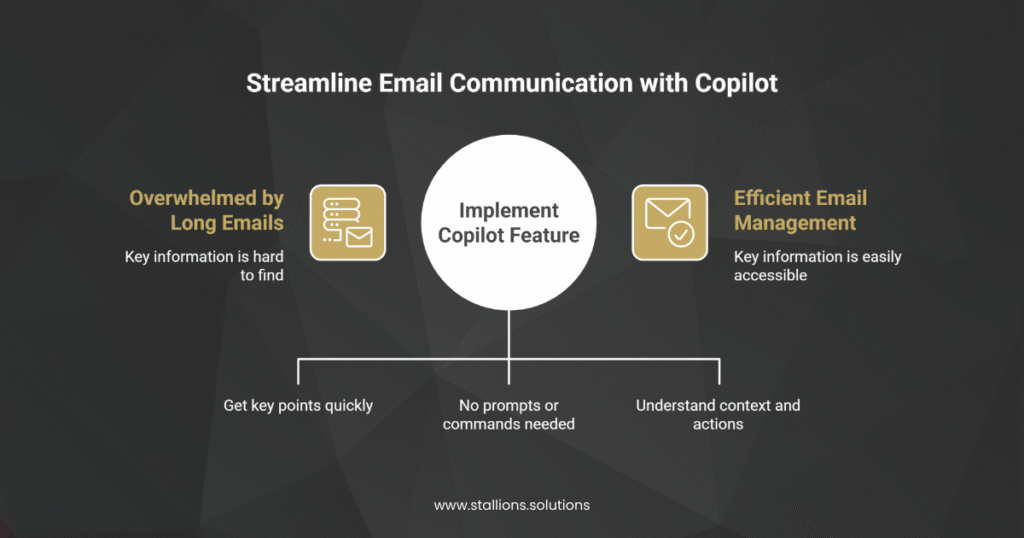
1. Saves Time
Instead of reading long emails, you get the key points instantly. Copilot picks out the main information, decisions, and actions for you. Microsoft’s update confirms that users can now summarize emails “in one click,” making this process extremely fast and convenient.
2. Easy for Everyone
Even though the technology behind Copilot is advanced, the user experience is simple.
You don’t need to write prompts, learn commands, or use formulas, just click the button.
3. Reduces Confusion in Long Threads
Copilot reads through the entire thread and creates a summary that helps you understand:
- What has happened
- What decisions were made
- What tasks you need to act on
How It Works
When you click the Summarize button, Copilot:
- Reads the entire email or thread
- Understands the important points
- Extracts key decisions
- Lists the action items
- Writes a clean, simple summary for you
The whole process uses Microsoft’s continuously improving AI models, which are becoming more accurate and more helpful based on monthly updates shown in the Copilot Chat Quality Roadmap.
How to Use It
Using this feature is extremely straightforward:
- Open any email in Outlook
- Click the Copilot icon
- Select Summarize
- Read the generated summary
- If needed, ask Copilot follow‑up questions like:
- “What are the action items?”
- “What decisions were made?”
This feature is available at no extra cost to users with the correct Microsoft 365 license.
Example Use Cases

✔ For Developers and IT Teams
Quickly understand bug reports, system alerts, or client issues without reading long details.
✔ For Project Managers
Easily pull out action items, deadlines, and decisions made in email threads.
✔ For Business Professionals
Summaries help you stay on top of client communication, approvals, or cross‑department updates.
✔ For Students or Educators
Quickly digest announcements, assignment information, or collaborative discussions.
Final Thoughts
The One‑Click Email Summary feature in Copilot is small but extremely powerful.
It reduces time spent on reading, improves clarity, and helps everyone stay organized—whether you’re technical or not.
By turning long emails into short, meaningful summaries, Copilot makes your inbox easier to manage and helps you focus on real work instead of digging through text.
