
Your organisation has data everywhere. Lots of it. But here’s the problem: nobody can use it effectively.
Your sales team tracks customers in Dynamics 365, while Finance uses a different system. Operations relies on spreadsheets.
When someone asks, “Which customers make us the most money?”, there is silence. The answer exists somewhere, but retrieving it takes hours of manual work, hunting across systems, and hoping the numbers match.
This is the data problem most organisations face. You have the data. You just can’t access it.
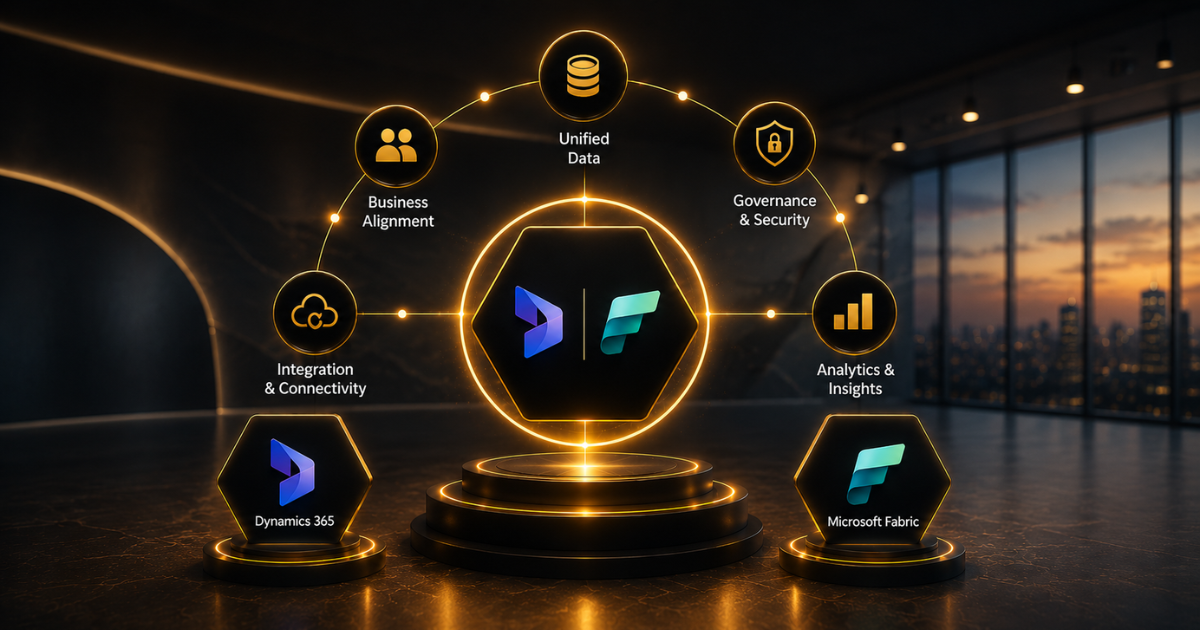
There’s a solution: combining Dynamics 365 with Microsoft Fabric to create one unified data strategy.
The Data Fragmentation Crisis
Organisations collect data from CRM systems, ERP platforms, spreadsheets, cloud applications and legacy systems. However, this information often remains isolated.
Sales may store customer data in Dynamics 365, finance may use a separate reporting system, and operations may rely on spreadsheets. When leadership needs a complete view of performance, teams have to manually collect, clean, and reconcile information.
This creates delays, inconsistent reporting and less confidence in business decisions.
The Operational Impact
Fragmented data leads to fragmented decisions. Your business operates more slowly than competitors with unified data strategies. Teams spend time hunting for information rather than analysing it. Opportunities are missed because insights are delayed by days or weeks.
The cost compounds over time. Data teams spend significant resources building integration layers and workarounds.
Business users lose confidence in reporting because numbers constantly change depending on the system consulted. Leadership makes decisions based on incomplete information.
Why Dynamics 365 Alone Isn’t Enough
Dynamics 365 is a powerful platform for managing customer relationships, sales, finance, and operational processes. However, businesses often need to analyse Dynamics 365 data alongside data from other systems.
For example, assessing customer profitability may require integrating CRM, financial, operational, and historical data.
Dynamics 365 provides the operational foundation, but a broader analytical environment is needed to integrate diverse sources and derive meaningful business insights.
This is where Microsoft Fabric can add value.
- Connect multiple data sources, including Dynamics 365, databases and business applications.
- Bring information into a unified environment for reporting and analysis.
- Create consistent data models across different business functions.
- Support Power BI reporting with centralised and governed data.
- Reduce manual data consolidation across teams.
Introducing Microsoft Fabric: The Missing Piece
Microsoft Fabric provides a unified environment for integrating data, engineering, analytics, and business intelligence. It can connect Dynamics 365 data with information from finance systems, operational platforms, and other sources.
With Dynamics 365 delivering operational data and Fabric offering the comprehensive data and analytics infrastructure, businesses can adopt a more integrated approach to enterprise reporting and decision-making.
Building Your Unified Strategy: The Integration Approach
Before integration: Your organisation operates with data silos. Sales data in Dynamics 365. Finance data in separate systems.
Operations data is scattered across platforms. Business intelligence requires manual data collection, cleaning, and reconciliation, which can take days or weeks. Reports show conflicting figures because different systems hold different versions of the same data.
After integration, Dynamics 365 automatically feeds customer, sales, and operational data into Microsoft Fabric. Finance systems connect to Fabric. Operations data flows in continuously.
Your analytics team creates reports and dashboards once, which automatically update with new data. Leadership can ask business questions and get answers within minutes instead of days.
Connecting Dynamics 365 with Fabric
Microsoft provides built-in capabilities to connect Dynamics 365 to Fabric, reducing the need for complex custom development.
The process begins by reviewing your data sources, designing the appropriate data model, and configuring automated pipelines to ingest data into Fabric.
Our Power Platform Development and D365 Consulting teams help businesses design connected data environments that support reporting, integration and long-term growth.
Real Business Impact: Before and After
Financial Services Example
Before: The finance team spent 3 days per month reconciling profitability data across multiple systems. Reports showed conflicting numbers. Decision-making was delayed.
After: Profitability reports update automatically as transactions occur. Analysis happens in hours, not days. The finance team now focuses on strategy, not data hunting.
Insurance Company Example
Before: Underwriters spent days assessing risk because customer information was scattered across systems and contained inconsistent values.
After: Complete, current customer information is accessible instantly. Policy approval times dropped 40%. Underwriters make faster, better decisions.
Government Agency Example
Before: Multiple departments maintained separate citizen records, creating frustration and inconsistent service.
After: Complete citizen interaction history available to all departments. Service improved. Costs decreased.
The pattern is consistent: faster decision-making, better data quality, improved compliance, lower costs.
Implementation Roadmap: Eight Steps
Step One: Assess and plan
Audit your current data landscape. Identify key data sources, understand data quality, determine business priorities. This planning phase determines success.
Step Two: Design data architecture
Work with our Azure Integration Services team to design your Fabric data model. Decide how data from Dynamics 365, finance systems, operations platforms, and other sources will be organised and related.
Step Three: Set up the Fabric environment
Create your Microsoft Fabric workspace. Configure security and governance policies to ensure data protection and compliance.
Step Four: Connect Dynamics 365
Configure automated data pipelines from Dynamics 365 into Fabric. This typically involves configuring built-in connectors and mapping source fields to data warehouse tables.
Step Five: Integrate additional systems
Connect finance systems, operations platforms, and other data sources to Fabric. Each connection adds more comprehensive data for analysis.
Step Six: Build analytics layer
Create data models, reports, and dashboards enabling business users to answer questions without requiring SQL expertise.
Step Seven: Migrate users
Train your team on new analytics capabilities. Help them transition from manual reporting to self-service analytics.
Step Eight: Optimise and scale
Monitor performance, refine data models based on usage patterns, expand capabilities as business needs evolve.
Timeline varies by complexity. Simple implementations integrating Dynamics 365 with Fabric take 2-3 months.
Complex enterprise implementations involving multiple systems require 4-6 months. Our AI Enablement Programme guides organisations through this transformation systematically.
The Competitive Advantage
By 2026, unified data strategies aren’t competitive advantages—they’re organisational necessities. Organisations with unified data make decisions faster than competitors with fragmented data. They spot market opportunities sooner. They respond to problems more quickly.
Early adopters implementing unified data strategies in 2024-2025 gain a significant advantage. They build analytics capabilities that competitors take months to match.
Their teams become accustomed to data-driven decision-making, driving a cultural shift that competitors struggle to replicate.
Your competitors are already moving. Smart organisations don’t wait. They are building unified data strategies now, proving their value before competitors can catch up.
FAQs
Does our organisation need both Dynamics 365 and Fabric, or can we use just one?
Dynamics 365 captures operational data excellently. Fabric provides analytics and integration. Together, they deliver a comprehensive data strategy that neither provides alone. Many organisations already have Dynamics 365; Fabric adds the analytics layer, transforming operational data into strategic insights.
What is the actual duration of implementation?
Simple implementations connecting Dynamics 365 to Fabric take 2-3 months. Complex enterprise implementations with multiple system integrations require 4-6 months. Most organisations see measurable value within 8-12 weeks of production deployment as reports become automated and data quality improves.
What if we have poor data quality in our current systems?
That’s actually an advantage of a unified strategy. When data consolidates into Fabric, poor quality becomes obvious. You can implement data governance and cleansing. Transparent data quality drives improvement better than problems hidden in separate systems.
Can Fabric connect to systems other than Dynamics 365?
Yes. Fabric integrates with virtually any data source—legacy systems, cloud platforms, databases, APIs. This is actually Fabric’s superpower: bringing together data from multiple sources into a unified environment for comprehensive analysis.
How do we measure success after implementation?
Track decision-making speed (how quickly you answer business questions), reporting accuracy (consistency across different reports), data quality (reduction in reconciliation needs), and user adoption (percentage of team using self-service analytics). Most organisations see measurable improvement within weeks.
