
Most people encounter row-level security the hard way, usually after someone in the wrong department opens a report they were never meant to see. By then, you’re doing damage control, not design.
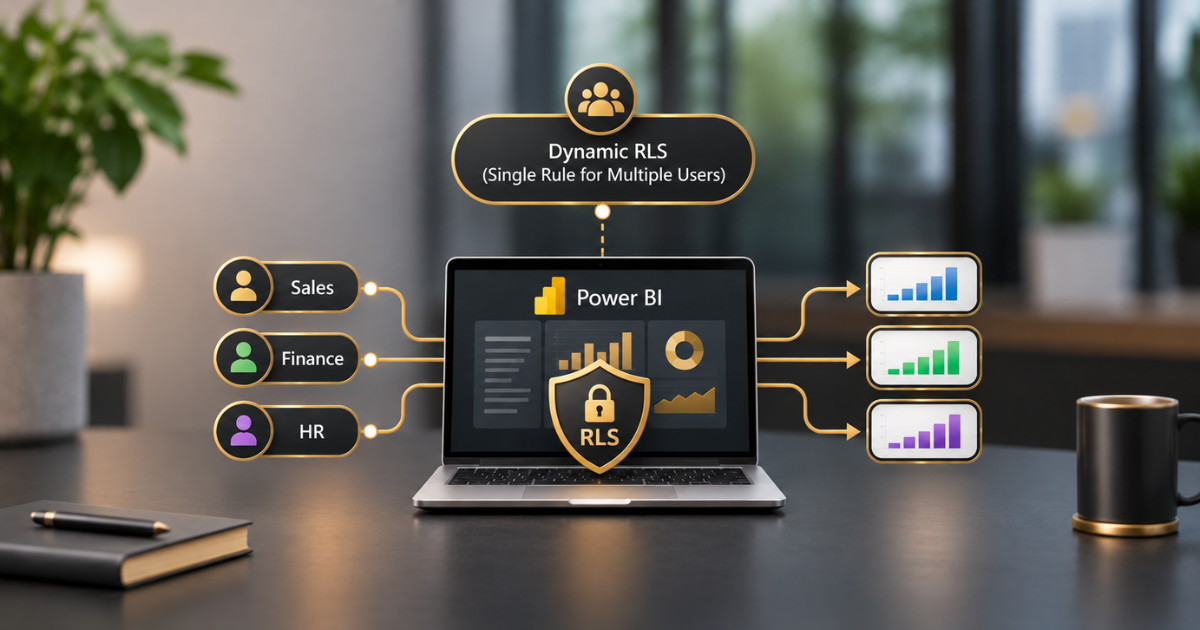
Dynamic row-level security is the version worth learning first. Instead of building a role for each region, team or manager, you write a single rule that checks who’s signed in and trims the data accordingly.
We’ve seen it turn a messy pile of roles into something one person can actually manage. Here’s how it works in Power BI, how we’d build it, and where it tends to go wrong.
One Rule, Whether Static or Dynamic, Instead of Fifty
Row-level security, or RLS, determines which rows someone can see in a semantic model. Microsoft’s documentation describes roles built from DAX filter expressions, and you assign people to them in the Power BI service.
The static approach bakes the answer into the role itself. This one covers the North region; that one covers the South. It’s perfectly reasonable when you’ve got three groups. At fifteen, you’re looking after nearly identical roles, and sooner or later someone edits the wrong one.
Dynamic roles turn that around. The model asks who you are, and the answer drives the filter. A new starter becomes one more row in a table, which is much less painful than creating a new role.
How Dynamic Row-Level Security (RLS) Works
There are only three pieces, which is the nice part. A DAX function reports who’s signed in. A security table lists what each person can see. A relationship links that table to whatever you’re filtering on.
Microsoft’s training module on the dynamic method shows a clean example. The email address a person signs in with is compared against an email column in the data, and only matching rows come back.
Since all of that happens within the model, nobody can get around it by editing a report or changing a visual.
The Part Everyone Gets Wrong Workspace Roles
This is where RLS that looks perfectly fine ends up leaking.
Admins, Members and Contributors in a workspace can edit the semantic model, so RLS simply doesn’t apply to them. They see everything.
That’s Microsoft’s guidance, as Fabric community experts summarise it. Viewers, and people who reach the content through an app or a shared report, do get filtered.
So picture someone given Contributor access to “make things easier”. Their security has just been switched off, and no one is warned. It also quietly ruins your testing. If you’re a workspace admin, you’ll see all the data the role allows, and it’s easy to assume everything works when it doesn’t.
Our advice is to keep workspace roles tight and publish through apps wherever you can. Treat edit rights as a decision about data access, because that’s what they are.
Groups, Guests, and the Limitations of DAX
Once RLS is switched on, only people assigned to a role can see anything. Adding them one at a time is tedious, so use groups. According to Microsoft, Entra security groups, distribution groups and mail-enabled groups can all be included in a role. Microsoft 365 groups can’t.
There’s a snag, though. USERPRINCIPALNAME() returns an individual, and Fabric community guidance says DAX doesn’t natively resolve Entra group membership. If your security table is full of group names, it won’t drive the dynamic filter.
The split that tends to work is to use groups to assign people to the role, and individual emails in the table for the actual filtering.
External guests are a topic of their own. If they’ll be viewing your reports, read Microsoft’s B2B guest guidance first, because the identity they sign in with isn’t always the one you’d expect.
Testing Before Relying on It
The nasty thing about RLS is that it fails silently. Nobody gets an error when they see too much.
So test properly. Use Test as a role in Desktop and again in the service, and try a handful of real identities, including the awkward ones: a user with no rows at all, a user with hundreds, and someone who shouldn’t see anything.
Then test as a proper Viewer using a separate account with no edit rights, because your admin account bypasses all of it. And check the totals, not only the rows. A filter can behave correctly line by line and still give a wrong grand total if the relationships aren’t right.
Design and Performance
Most of good RLS comes down to good modelling. Keep the security table narrow, relate it to a dimension rather than a huge fact table, and keep the DAX in the role filter light, because it runs on every query a user makes.
Microsoft’s RLS design guidance covers filtering through a many-to-many relationship, and it’s worth reading before you build anything complicated.
How your data connects matters, too. With DirectQuery and single sign-on, Microsoft notes that the data source controls security enforcement, so the rules are enforced there instead.
With live connections to Analysis Services, you configure security in the model, not in Power BI. Find out which situation you’re in before you start building.
The Most Common Mistakes We Observe
The same handful keep coming up. Testing as an admin, seeing everything and shipping a leak. Handing out Contributor access for convenience, which bypasses RLS entirely. Creating a role and forgetting to add anyone to it, so real viewers get blocked.
Listing group names in the security table and wondering why nothing comes back. Building on messy data, where duplicate or inconsistent emails leave people seeing too little or too much.
And then there’s the big one, treating RLS as your whole security strategy. It controls rows inside a model. It says nothing about who exports, shares, or copies the data afterwards.
How This Fits into Your Broader Data Strategy
RLS only protects what flows through the model, so it works best on solid foundations. Clean, joined-up data prevents one customer from appearing under three different emails.
Our guides to a single customer view and to solving data silos in local government cover that groundwork, and our guide to building modern pipelines in Microsoft Fabric shows how data should arrive before it reaches the model.
If you build dashboards on Dynamics 365 data, see our guide to turning Dynamics 365 data into live Power BI dashboards, and for the transformation choices behind them, our piece on ETL versus ELT.
Identity and access deserve the same care everywhere else too. We cover it in our guide to securing AI agents with Microsoft Entra ID, along with broader principles in responsible AI in practice. You’ll find more guides on our blog.
Would you like assistance?
If you’d like your Power BI security reviewed or built properly, our BI and Data Science services team designs the model, the security table and the workspace structure together.
Our AI Enablement Programme then gets that data ready for AI without exposing what shouldn’t be seen.
As an ISO 27001 certified Microsoft partner, we treat access control as part of the design, not an afterthought. Book a free assessment, and we’ll look at your setup and tell you honestly where to begin, no hard sell.
Quick Answers
What is dynamic row-level security in Power BI?
RLS uses the signed-in user’s identity, via USERPRINCIPALNAME() or USERNAME(), to automatically filter data. One role can serve many users because the filter changes with the user.
Which function should I use, USERNAME or USERPRINCIPALNAME?
We’d use USERPRINCIPALNAME(). Microsoft’s documentation states that it returns user@domain.com in both Desktop and the service, whereas USERNAME() returns a different format in Desktop.
Why can some users see all the data despite RLS?
Workspace Admins, Members and Contributors can edit the semantic model, so RLS doesn’t apply to them. Only users without edit rights, such as Viewers, are subject to filtering.
Can I use Entra groups in my security table?
Not for the dynamic filter. DAX doesn’t natively resolve group membership, so keep individual email addresses in the table. You can still use Entra security groups to assign people to the role in the service.
Does RLS work with DirectQuery?
Yes, but with single sign-on, the data source controls enforcement, so the security rules are stored there. Check which pattern your model uses before you design the roles.